

Scene 01 04
Five minutes into a client call
The door opens mid-sentence, because there was no way to know.
MeetingSet your status in a group. Everyone in it sees the change instantly. No group chat, no guessing.
Coming soon to the App Store and Google Play.


Four examples of when you have needed it.
Scene 01 04
The door opens mid-sentence, because there was no way to know.
Meeting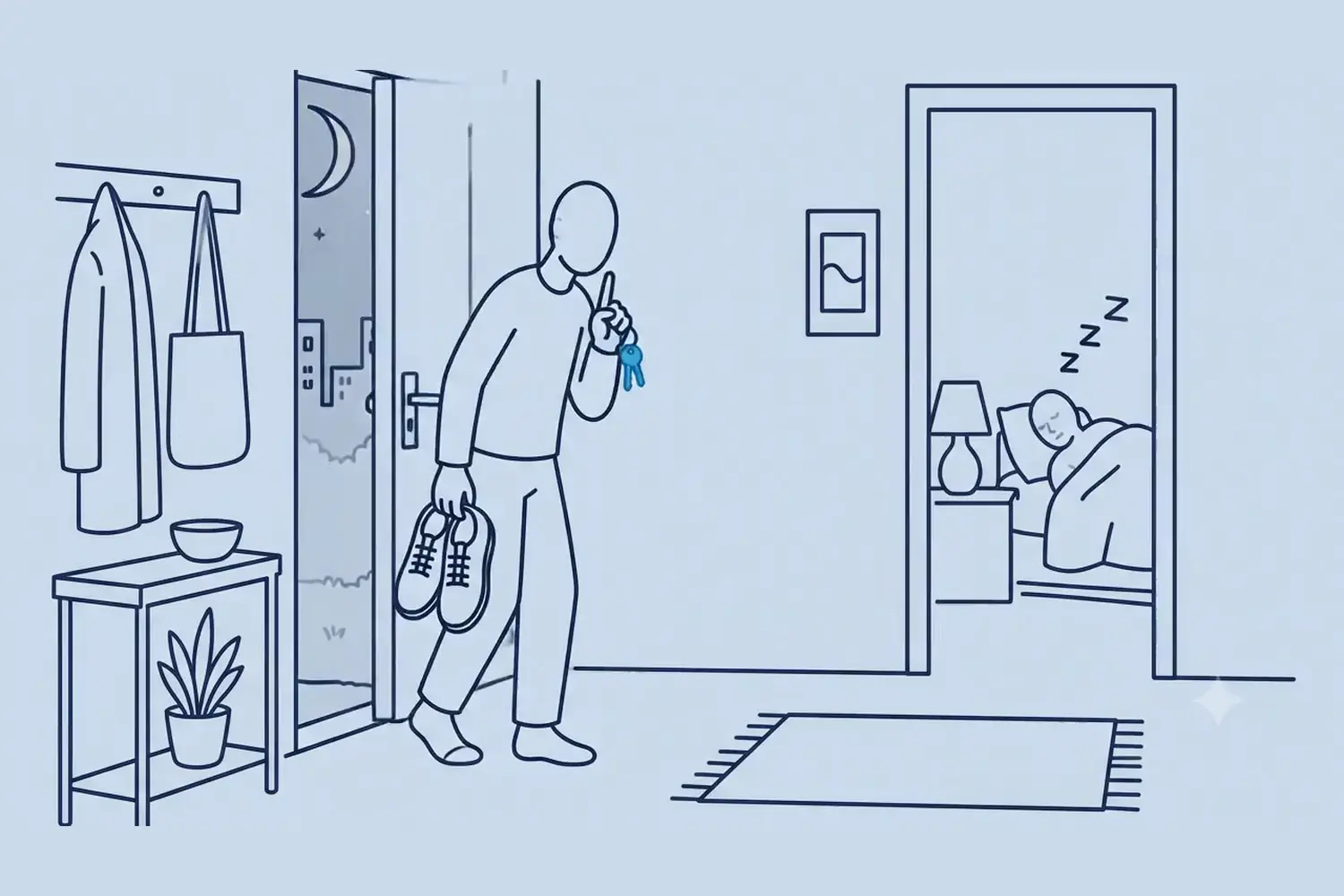
Scene 02 04
You check before you turn the key, not after the hallway light wakes someone.
Sleeping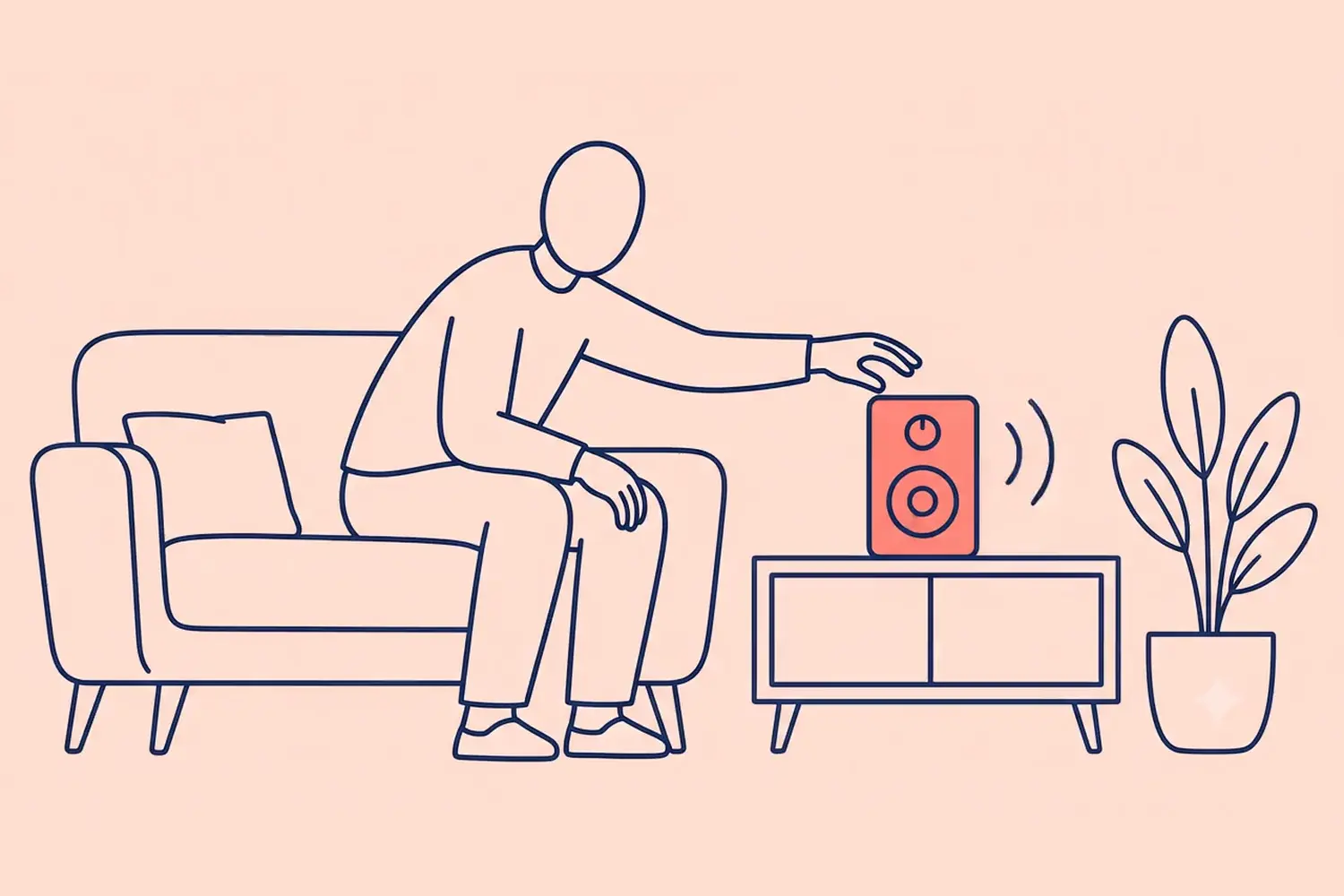
Scene 03 04
One glance tells you it is a bad moment, before anyone has to ask.
Busy
Scene 04 04
The other half of the app. Everyone is free, so come in.
AvailableSmall enough that everyone learns it in a day. Specific enough to actually mean something. Pick one and watch the phone.
Available
Knock away. Call, drop by, ask the question.
Busy
Heads down. It can wait an hour.
Meeting
On a call. The group gets a heads-up.
Sleeping
Night shift, jet lag, or a napping baby. Nobody rings.
Working
At it, but interruptible. Quick questions welcome.
Neutral
Nothing to declare. The quiet default.
Three steps, then it runs itself
Your household, your team, your flatmates. One tap and it exists.

Send it to friends you already have, or share the six-character code. They join and pick a status straight away.

One tap, and everyone in the group sees it instantly. Add a note if it helps, because "back at 3" says more than a colour does.

Most households never need more than the free plan. Pro is for people running several groups at once.
$0
Everything a household needs, with no expiry on it.
Priced in the app
For anyone running several groups at once.
Subscriptions are billed by the App Store or Google Play and can be cancelled there at any time.
The five things people ask first.
Yes. The free plan gives you three groups of up to five people each, a recurring schedule and ninety days of status history. It does not expire and it does not ask for a card. Pro raises every one of those limits, and adds status notes and the ability to set your status in all your groups at once.
No. The app requests no location permission of any kind, and no status is ever guessed from your phone. You set your status yourself, or a schedule you wrote sets it for you.
Only the people in the groups you joined. There is no public profile and no feed, and nothing you set is visible outside those groups.
Yes. A status is only worth setting if the group can see it. Joining takes a six-character code, and everyone picks a status the moment they arrive.
Everything tied to it goes: your profile and profile picture, your status history, your scheduled statuses, and your group memberships. One thing stays behind. A group that still has people in it keeps its picture, because the picture belongs to the group rather than to you. You can delete your account yourself in the app, in about ten seconds, with no waiting period.
How to delete your accountComing soon to the App Store and Google Play.